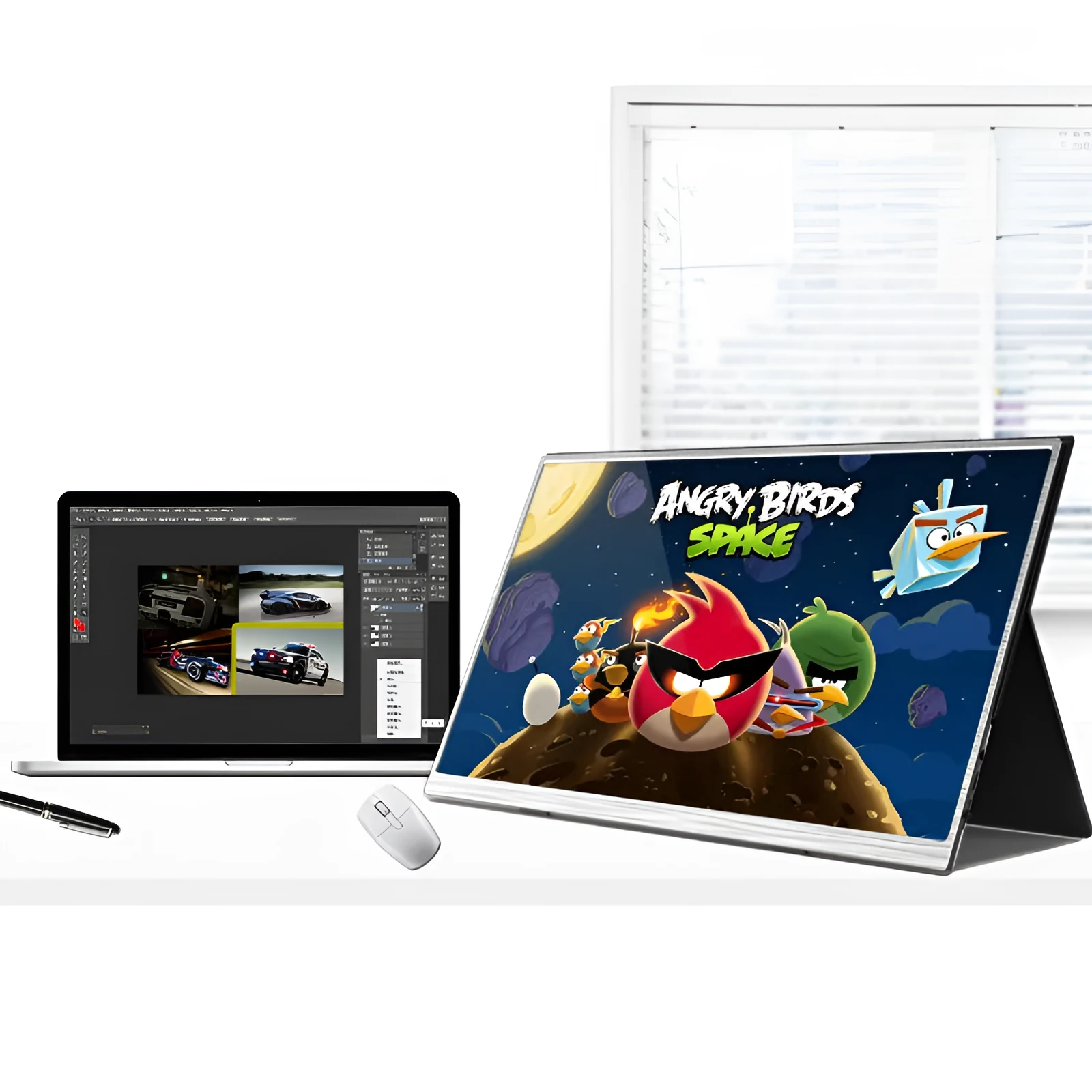
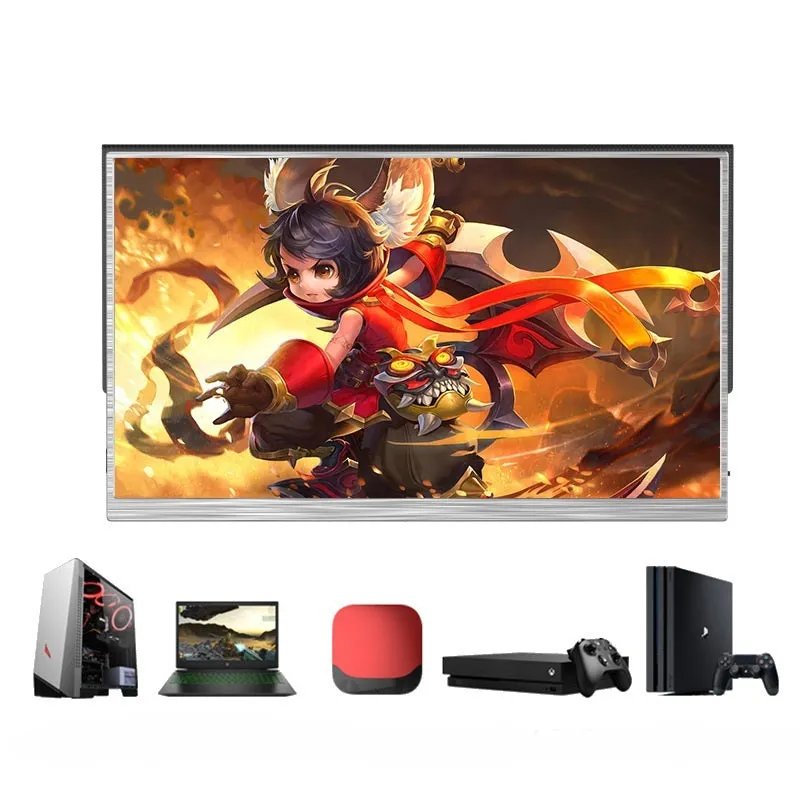
Zeuslap 15-inch IPS portable display with 1920x1080 resolution and 4ms response speed for mobile gaming and split-screen productivity
£225.98
Zeuslap 15-inch Portable Display with 1920x1080 Resolution for Mobile Gaming
This portable display provides a 15-inch viewing area with 1920x1080 resolution, making it suitable for extending laptop screens or connecting mobile devices. The IPS panel technology offers wide viewing angles, while the 4ms response speed helps maintain image clarity during fast-moving content. Weighing just 0.5kg, it's designed for users who need additional screen space without the bulk of traditional monitors.
Display Features and Technical Specifications
The display incorporates several technical elements that contribute to its performance in gaming and productivity applications.
Screen Technology and Image Quality
The 15-inch IPS panel measures diagonally with a 16:9 aspect ratio, providing a widescreen format suitable for multimedia content. With 1920x1080 resolution, it displays approximately 2 million pixels for detailed imagery. The 800:1 contrast ratio helps distinguish between dark and light areas, while the 250cd/m² brightness level maintains visibility in various indoor lighting conditions.
Performance and Response Characteristics
The 4ms response speed indicates how quickly pixels can change colour, which reduces motion blur during fast-paced gaming or video playback. This specification is particularly relevant for action games where quick screen updates are necessary. The display supports standard HDMI connections, compatible with most modern gaming consoles, laptops, and mobile devices with appropriate adapters.
Construction and Power Efficiency
Weighing 0.5kg, the display uses lightweight materials while maintaining structural integrity for portable use. The 5W power consumption makes it more energy-efficient than larger desktop monitors. The product carries 3C certification (certificate number 2019160903931039), indicating compliance with Chinese safety standards for electrical equipment.
Practical Applications and Usage Scenarios
This portable display serves multiple purposes beyond basic screen extension, particularly for users with specific workflow or entertainment needs.
Gaming and Entertainment Use
For gaming applications, the 4ms response speed helps maintain image clarity during fast action sequences. The 1920x1080 resolution provides sufficient detail for most modern games when connected to compatible consoles or computers. The portable nature allows gamers to set up additional screens in different locations without requiring permanent installation.
Productivity and Work Applications
For productivity tasks, the 15-inch screen provides additional workspace for document comparison, research, or monitoring multiple applications simultaneously. The HDMI connection works with most laptops and desktop computers, while the lightweight design makes it practical for temporary workspace expansion in offices, co-working spaces, or home offices.
Mobile Device Compatibility
With included USB C and USB cables, the display can connect to compatible smartphones and tablets, effectively turning mobile devices into larger-screen workstations. This functionality supports presentations, video viewing, or mobile gaming with enhanced visibility compared to smaller device screens.
Benefits and Practical Advantages
The display offers several practical benefits derived from its specific technical specifications and design features.
Portability and Space Efficiency
At 0.5kg, the display is significantly lighter than most traditional monitors, making it practical for transportation between locations. This weight, combined with the 15-inch size, creates a balance between screen area and portability that suits users who need temporary additional display space without permanent installation requirements.
Setup Simplicity and Compatibility
The included HDMI cable and adapter simplify connection to most modern devices, while the straightforward interface requires minimal configuration. This ease of setup reduces the time needed to begin using the display compared to more complex multi-monitor arrangements that might require additional hardware or software configuration.
Energy Efficiency and Cost Considerations
With 5W power consumption, the display uses less electricity than larger desktop monitors, potentially reducing energy costs during extended use. This efficiency, combined with the included accessories, provides a complete solution without requiring additional purchases for basic functionality.
Technical Support and Usage Guidance
Proper setup and maintenance help ensure optimal performance and longevity of the display components.
Connection and Setup Process
Connect the display using the included HDMI cable to compatible devices, then connect the power adapter to an appropriate electrical outlet. The EU plug type is included, with adapters available for other regions if needed. Most modern devices automatically detect and configure the display, though manual settings adjustment may be necessary for optimal resolution output.
Care and Maintenance Recommendations
Clean the screen surface with a soft, dry cloth to remove dust and fingerprints without damaging the display coating. Avoid using liquid cleaners or abrasive materials that could scratch the surface. When transporting the display, use protective packaging to prevent impact damage to the screen or internal components.
Troubleshooting Common Issues
If the display doesn't power on, verify all connections are secure and the power source is functioning. For image quality issues, check that the source device is outputting the correct resolution (1920x1080 recommended). The manual included in the package provides additional guidance for specific connection scenarios and technical specifications.