TourBox NEO Designer Clip Custom Auxiliary Keyboard: A USB-connected video editing controller with a 148mm x 198mm tablet size, designed for digital creators seeking precise control over editing software workflows.
TourBox NEO Designer Clip Custom Auxiliary Keyboard: A USB-connected video editing controller with a 148mm x 198mm tablet size, designed for digital creators seeking precise control over editing software workflows.
£418.98
TourBox NEO Designer Clip Custom Auxiliary Keyboard: Streamline Your Video Editing with Physical Controls
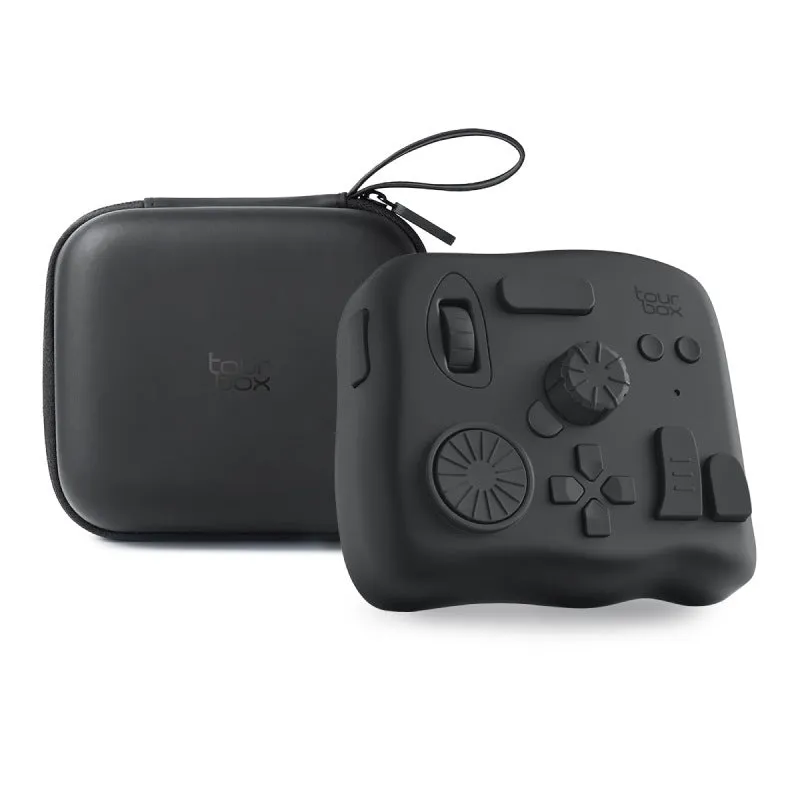
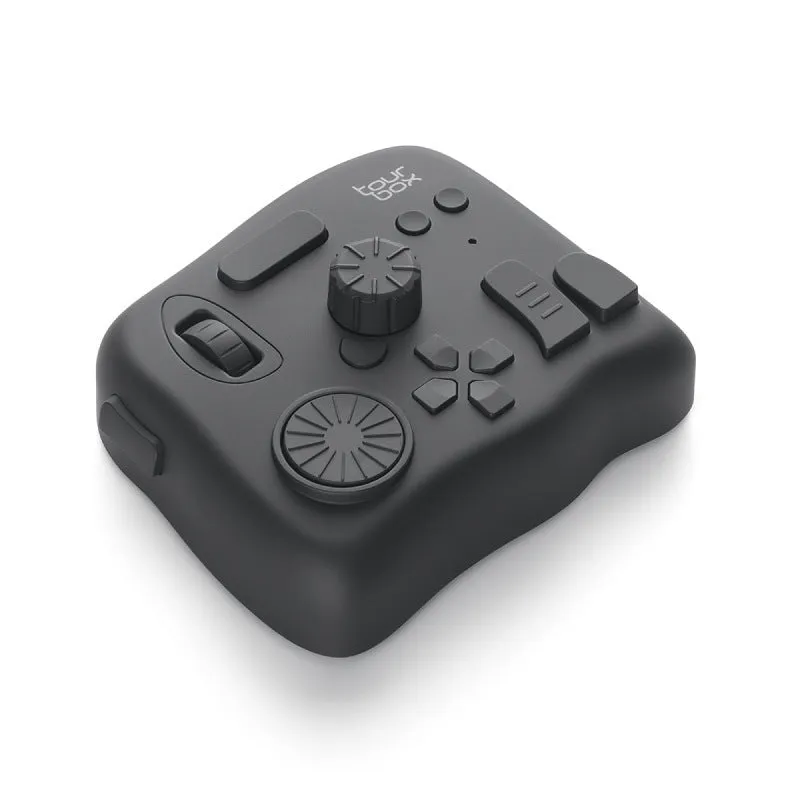
The TourBox NEO is a specialised auxiliary keyboard designed to enhance the video editing process for digital creators. By providing a 148mm by 198mm tablet interface with customisable controls, it replaces complex keyboard shortcuts with intuitive physical buttons and dials. This device connects via USB, offering a stable link to your editing workstation, and is constructed from a durable PC and ABS material blend. Whether you're colour grading, trimming clips, or applying effects, the TourBox NEO aims to reduce mouse dependency and accelerate your editing timeline.
Features and Build Quality of the Editing Controller
This section details the specific attributes that make the TourBox NEO a practical tool for video editors. From its compact dimensions to the materials used in its construction, each aspect is engineered to support a seamless editing experience.
Compact Design and Dimensions
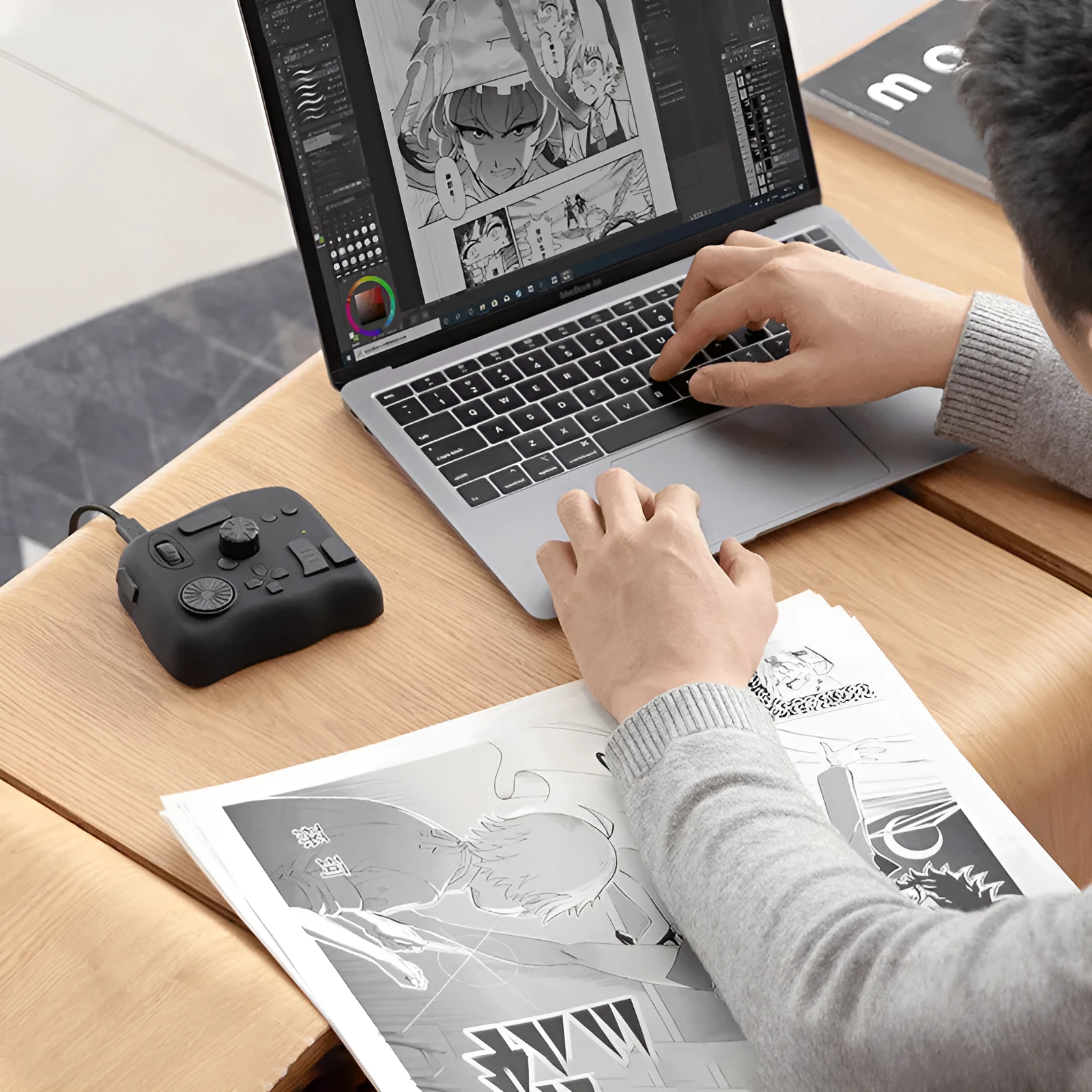
Measuring 148mm in width and 198mm in length, the TourBox NEO occupies minimal desk space while providing ample surface area for its controls. This size allows it to fit comfortably beside a keyboard or drawing tablet without cluttering your workspace. The form factor is tailored for easy access during long editing sessions, enabling quick hand movements between the controller and other peripherals.
Connection and Compatibility Specifications
The TourBox NEO utilises a USB interface for connectivity, ensuring low-latency communication with your computer. This wired connection is compatible with most modern operating systems, requiring no additional power source beyond the USB port. For users seeking wireless flexibility, the Elite Bluetooth editions offer the same functionality without cable restrictions, though the standard USB model provides a consistently reliable link for intensive editing tasks.
Material Composition and Durability
Constructed from a combination of PC and ABS plastics, the controller's housing is designed to resist wear from daily use. PC contributes impact resistance, protecting the internal components from accidental knocks, while ABS provides structural rigidity and a smooth finish. This material choice results in a device that maintains its appearance and functionality over time, even in busy studio environments or during travel.
Practical Applications for Digital Creators
The TourBox NEO is not just a peripheral; it's a workflow enhancement tool. Below, we explore specific scenarios where this controller can transform how you interact with editing software, from professional projects to personal videos.
Professional Video Editing Workflows
In professional settings like post-production studios, the TourBox NEO can be programmed to control timeline navigation, clip trimming, and effect parameters in software such as Adobe Premiere Pro or Final Cut Pro. Editors can assign frequently used functions like play/pause, zoom, or colour adjustment sliders to the physical dials, reducing the need to search through menus. This setup can shave seconds off repetitive tasks, which accumulates to significant time savings over long projects.
Everyday Editing and Content Creation
For content creators working from home, the TourBox NEO offers a tactile alternative to keyboard shortcuts that can be hard to remember. The physical feedback from pressing a button or turning a dial provides a more engaging editing experience compared to clicking a mouse. For instance, adjusting audio levels with a dedicated knob feels more precise than dragging a virtual slider, giving you finer control over your project's sound mix.
Versatility Across Creative Software
While optimised for video editing, the TourBox NEO's customisable nature allows it to be adapted for other creative applications. Users can reconfigure the controls for photo editing in Adobe Photoshop, controlling brush size or layer opacity, or for audio mixing in DAWs like Ableton Live. This versatility means the controller remains useful even if your projects shift between different media types, maximising its value across your creative toolkit.
Benefits of Integrating the TourBox NEO
Investing in the TourBox NEO brings several measurable advantages to your editing setup. From long-term value to user satisfaction, here’s how this controller stands out as a practical addition to your workflow.
Long-Term Value and Cost Efficiency
Compared to purchasing multiple specialised controllers for different tasks, the TourBox NEO consolidates functions into a single device. Its durable PC and ABS construction suggests a lifespan that withstands years of use, reducing the need for replacements. By speeding up editing tasks, it can potentially increase your productivity, allowing you to take on more projects or reduce overtime, which translates to better cost-benefit over time.
User Experience and Workflow Satisfaction
Reasons to Choose This Editing ControllerIf you spend hours each week editing videos and find yourself constantly reaching for the mouse or keyboard, the TourBox NEO offers a tangible solution. Its 148mm by 198mm size ensures it doesn’t overcrowd your desk, while the USB connectivity guarantees reliable performance. By mapping your most-used functions to its controls, you can create a personalised editing environment that aligns with your specific workflow, potentially cutting down edit times and reducing physical strain.